How Does Fix My Speaker Work?
If you're wondering how playing a sound from a website could possibly clean your phone's speaker, that's a fair question — and the answer is worth understanding before you press play. This page explains the physics, the safety, the honest limitations, and when you should skip the tool entirely and go straight to a repair shop.
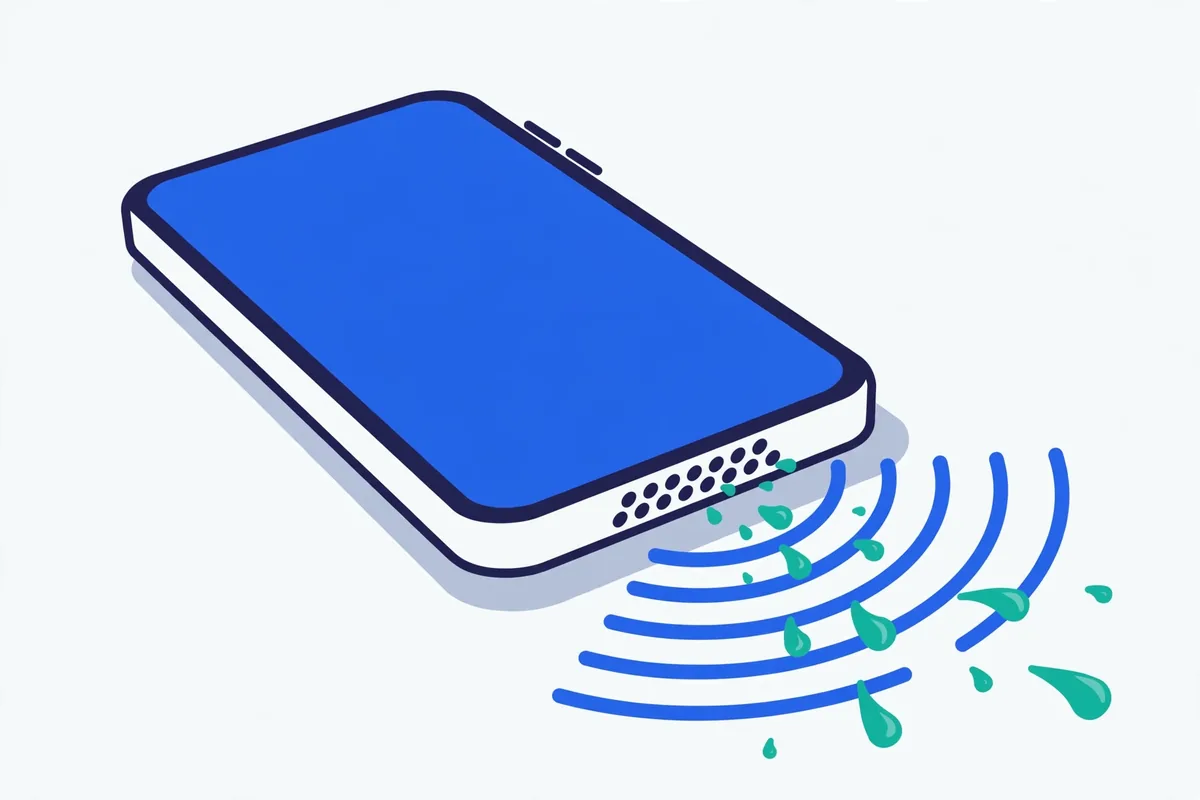
The physics: vibration does the cleaning
Your phone's speaker produces sound by vibrating a thin membrane (the diaphragm). That motion pushes air, and your ears hear the result. At normal listening frequencies — a voice call around 300–3,000 Hz — the membrane moves tiny distances, very quickly. But at low frequencies around 100–200 Hz, it swings much farther with each cycle. That large, slow movement is strong enough to:
- Break water's surface tension. Droplets cling to the grille and membrane because of surface tension. A vigorous 165 Hz pulse shakes them loose — the same principle behind the water eject feature on the Apple Watch, which plays a specific low tone to expel water.
- Toss off dust particles. A sweep from 20 Hz to 500 Hz passes through the resonant frequencies of different particle sizes, so fine dust, lint fibres, and grit each get shaken at some point during the sweep.
Nothing chemical happens. No heat, no solvents, no magic — just mechanical vibration doing what vibration does. That's also why the technique has real limits: vibration can only dislodge what's physically loose.
Is fix my speaker safe?
Yes — for a healthy speaker, these sounds are safe. The tool plays audio at normal maximum playback levels, the same as turning your music up to full volume. Phone speakers are engineered to handle that. There are no ultrasonic frequencies, no sudden spikes, and no DC signals that could damage the driver.
That said, there are rules. They exist because a damaged speaker behaves differently from a healthy one:
- Stop if you hear rattling, buzzing, or heavy distortion. A healthy speaker plays the cleaning tones cleanly. Rattling or distortion means the membrane, surround, or voice coil is already damaged — the tool didn't cause it, but continuing won't fix it and could stress the damaged parts further.
- Always use maximum volume — but only during the cleaning cycles. Lower volumes don't move the membrane enough to do any good, so there's no point in a "gentle" session.
- Keep the speaker facing down so loosened water and dust fall out instead of settling back in.
- Don't play cleaning sounds for hours. A few minute-long cycles with breaks is the whole protocol. Marathon sessions generate heat and achieve nothing extra.
- Never insert anything into the grille. Pins, needles, and SIM ejectors puncture membranes. A soft dry toothbrush on the outside is the limit of DIY mechanical cleaning.
One more safety point: if your phone got seriously wet, don't charge it until it's dry. The cleaning tool is for the speaker; it does nothing about moisture in the charging port, and charging a wet port can short the phone.
Honest limitations: what sound can't do
We'd rather you know this now than discover it after ten cycles:
- It cannot repair hardware damage. A torn membrane, a fried voice coil, a corroded connector — no sound fixes these. If the speaker crackles constantly, is silent on one side, or produces no sound at all, that's a hardware fault.
- It can't remove compacted or bonded grime. Months of pocket lint pressed into grease forms a layer vibration alone won't lift. Brush first, or see a shop with proper tools.
- It can't fix corrosion. Water plus electricity corrodes metal contacts quickly. If a submerged phone still sounds wrong after 24 hours of drying, corrosion is likely.
- It can't fix software problems. If the speaker works in some apps but not others, or volume is stuck low system-wide, check volume limits, Bluetooth routing, and Do Not Disturb first.
- It can't unblock the earpiece the same way. Earpiece speakers (the ones you hold to your ear on calls) clog with skin oils and wax, which vibration barely touches. Gentle brushing is the main treatment there — see the earbuds and earpiece guide.
When to see a repair shop instead
Go straight to a professional if any of these are true:
- No sound at all from the speaker, even at full volume.
- Constant crackling, buzzing, or distortion that doesn't change between cycles.
- One speaker of a stereo pair is completely silent.
- The phone was submerged for more than a few seconds and behaves oddly (random restarts, touch issues) — that's board-level water damage, beyond the speaker.
- You've done 4–6 cleaning cycles plus 24 hours of air-drying with zero improvement.
Speaker replacement is usually one of the cheapest phone repairs — often a quick job. Don't keep blasting cleaning sounds at a dead driver hoping it'll come back.
The bottom line
Fix My Speaker is a first-aid kit, not a repair shop. For the common cases — a splash in the sink, gradual pocket-lint muffling — a few minutes of low-frequency vibration genuinely helps, and it's free.
Ready? Run the free speaker cleaner, or pick your situation: water eject guide, dust cleaning guide, or why you don't need an app.
FAQ
How does fix my speaker work?
It plays low-frequency sounds — 165 Hz pulses for water, a 20–500 Hz sweep for dust — at maximum volume. The large membrane vibrations break water's surface tension and shake dust particles loose from the grille and membrane. Gravity (speaker facing down) pulls the loosened debris out.
Is fix my speaker safe for my phone?
For a healthy speaker, yes. The sounds are normal playback-level audio, like loud music — no ultrasonic frequencies or damaging signals. Stop if you hear rattling or distortion, which indicates pre-existing damage.
Can sound really push water out of a speaker?
Yes — it's the same principle as the Apple Watch's water eject feature. Low-frequency vibration agitates droplets until surface tension gives way. It works on water sitting in the grille and chamber; it can't fix corrosion or water that has reached internal electronics.
Why 165 Hz? Why not just play loud music?
Loud music spreads energy across thousands of frequencies, so the membrane's movement at any one moment is small. A sustained low-frequency tone concentrates all the energy into large, slow membrane swings — much more effective at dislodging water and dust.
What are the limitations of speaker cleaning sounds?
They can't repair hardware damage (torn membranes, dead drivers, corrosion), can't remove compacted grease-bound grime, can't fix software issues, and are less effective on earpiece speakers clogged with oils. If 4–6 cycles plus 24 hours of drying produce no improvement, see a repair shop.
When should I skip the tool and go to a repair shop?
If there's no sound at all, constant unchanging distortion, one silent speaker in a stereo pair, signs of board-level water damage, or zero improvement after cleaning plus a full day of drying — a shop is the right call. Speaker replacement is usually inexpensive.